Productivity in 2025 isn’t about working harder — it’s about working smarter. Artificial intelligence (AI) has moved from niche enterprise tools to everyday assistants that help us manage time, automate repetitive jobs, write and edit faster, and keep focus when it matters most. This article walks through the best AI tools you can use right now, demonstrates how to integrate them into daily routines, and gives practical steps to pick the right tool for your needs. Whether you’re a physician juggling shifts, a student managing deadlines, or an entrepreneur building a side hustle, the right AI setup will save hours every week.
Why AI Is Now a Core Productivity Tool
AI moved quickly from experimental features to essential workflow helpers. Modern AI does three things well for productivity: (1) it reduces friction in routine tasks, (2) it helps prioritize your time, and (3) it augments creative and decision-making tasks. Search interest for “AI productivity tools” and “AI assistant apps” surged globally in 2024–25, and for good reason: these solutions deliver small, compounding time savings that free up cognitive space for higher-value work.
Time Management and Intelligent Scheduling
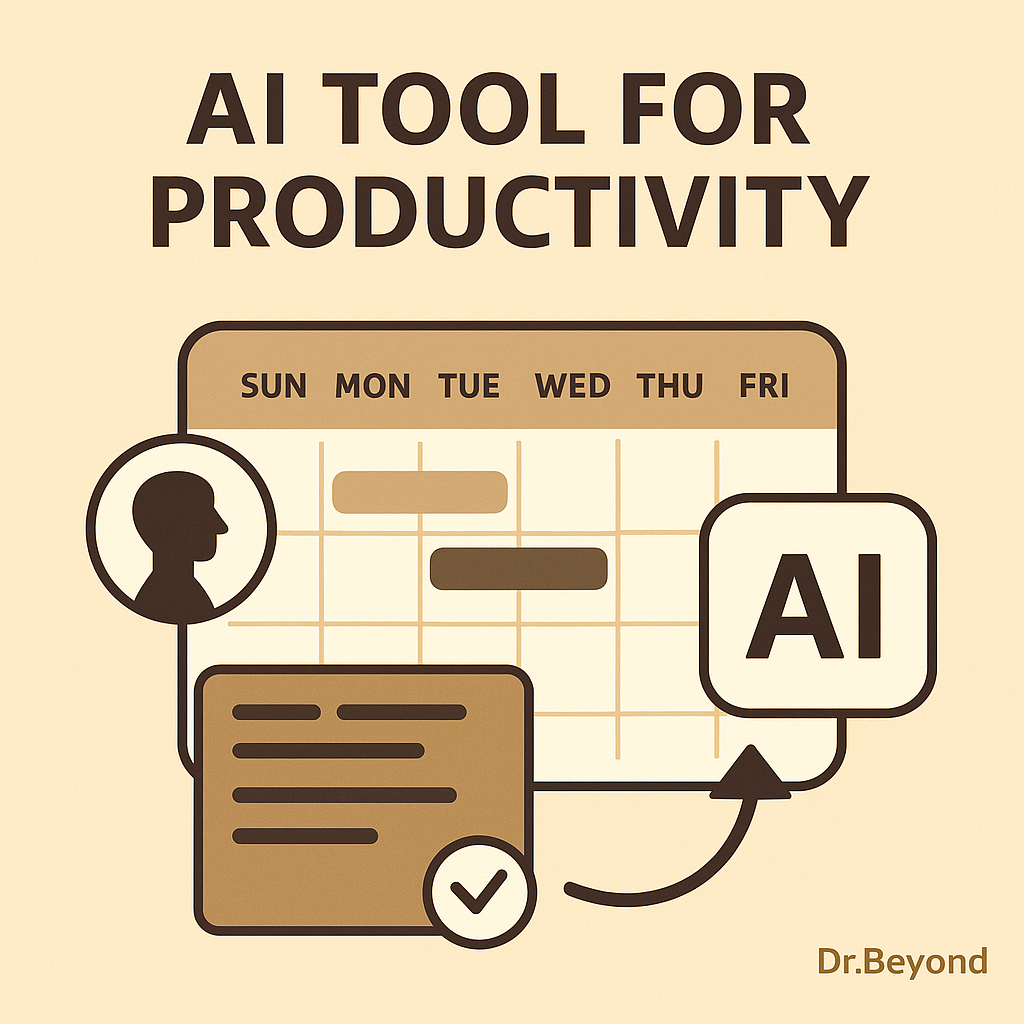
Meeting overload and scattered calendars are productivity killers. AI scheduling assistants analyze your calendar, preferred focus windows, task priorities, and travel time to create an optimized week.
- Use Motion or Reclaim AI to automatically allocate focus blocks and reschedule low-priority meetings.
- Practical setup: head to your calendar app, connect Motion/Reclaim, set your “deep focus” hours (e.g., 09:00–11:00), and let the AI protect those blocks.
- Time Management Example: A medical resident using Reclaim AI to auto-reschedule study sessions around unpredictable shifts.
- Best Productivity Apps 2025
Writing, Communication & Content Drafting
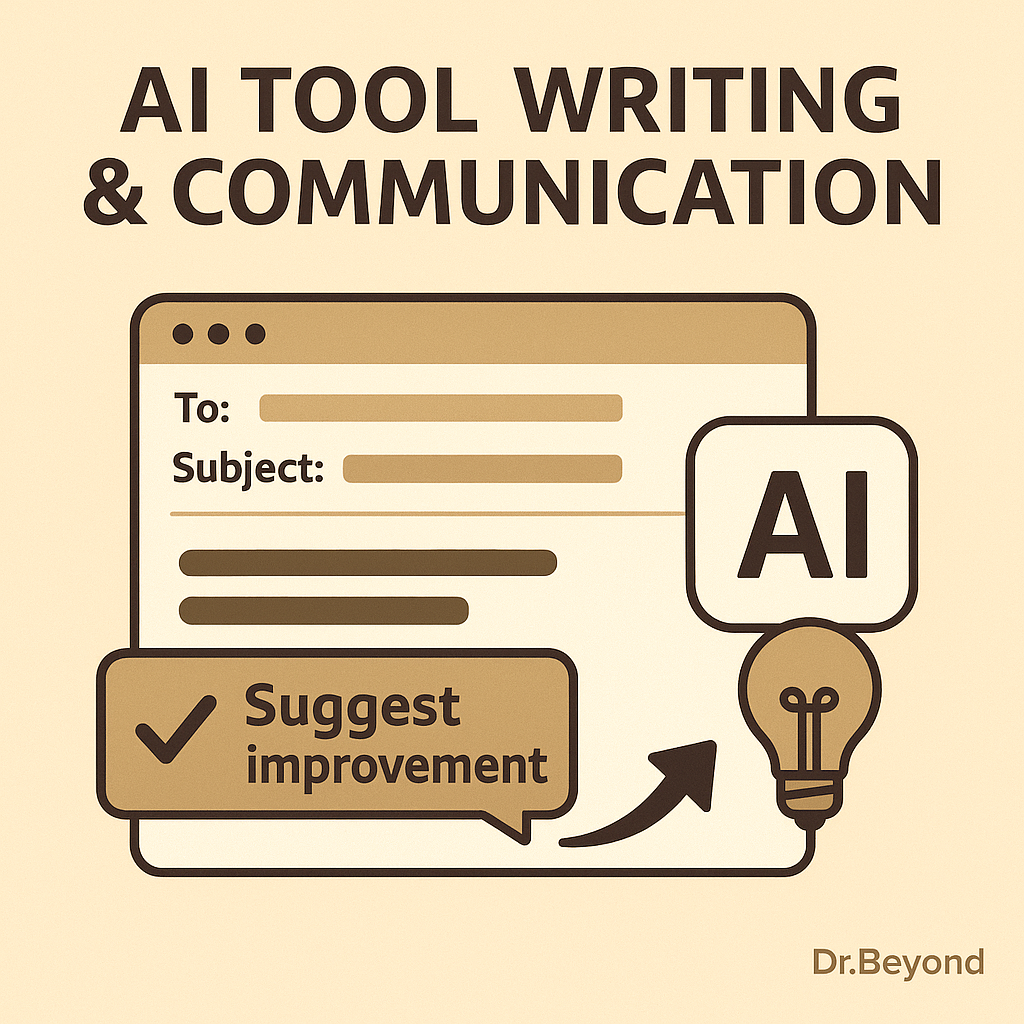
AI writing assistants are more than grammar checkers now — they help craft tone, adapt to audiences, and draft initial content that you polish.
- Use GrammarlyGO for tone-aware rewriting, and Jasper for longer content drafts or ad copy.
- How to use: paste your rough draft into GrammarlyGO for clarity + concision suggestions, then use Jasper for generating bullet-point drafts or alternatives when stuck.
- Example workflow: draft a clinical note or patient advice paragraph, run it through GrammarlyGO to simplify language, and then create a companion social post using Jasper.
- Writing Example: A content creator drafting LinkedIn posts with Jasper, then polishing with GrammarlyGO.
Task Automation: Connect Apps, Reduce Busywork
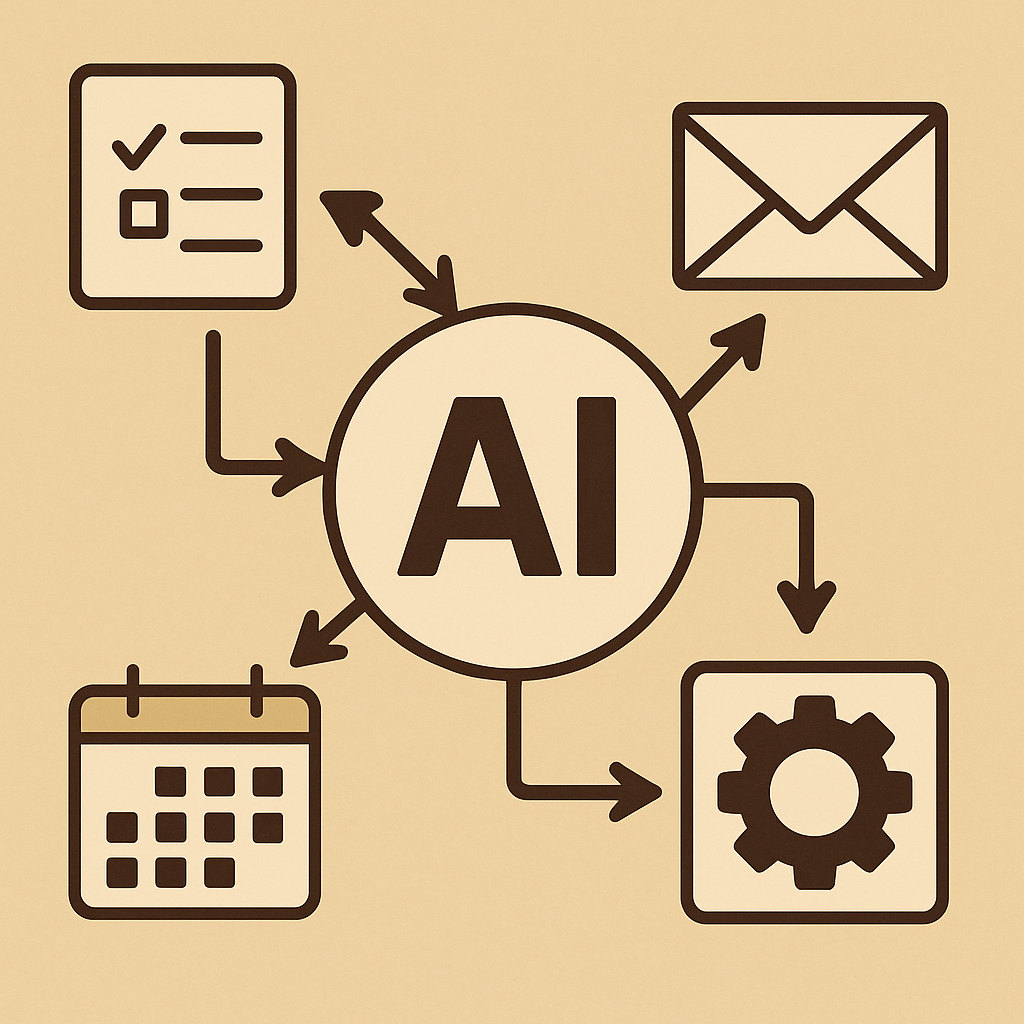
Connecting apps is one of the highest ROI productivity strategies — especially when AI can trigger conditional workflows.
- Use Zapier or IFTTT to convert incoming emails into tasks, copy attachments to cloud drives, or notify team channels automatically.
- Example automation: create a Zap that turns flagged emails into a Trello card with the due date pulled from the email subject.
- Automation Example: A small business automating invoice management with Zapier, reducing manual admin work by 5 hours per week.
- 50/30/20 Rule
Focus & Distraction Management
AI can help you protect attention without heavy-handed blocking. Modern tools analyze behavior and guide you into healthier focus patterns.
- Practical tip: use AI insights to set realistic daily focus targets (e.g., 3–4 high-concentration hours) rather than arbitrarily blocking long chunks that fail.
- Try RescueTime to measure productive time and Freedom to block distractions when focus time is scheduled. These apps now include AI-driven recommendations for focus windows based on your peak performance times.
- Focus Example: A student preparing for exams using RescueTime to block TikTok during revision hours.
AI in Collaboration & Teamwork
AI isn’t just personal — teams are using it to streamline group work.
- AI Meeting Summaries: Tools like Fireflies.ai and Otter.ai transcribe meetings and highlight action items instantly.
- Team Communication: Slack’s new AI suggests responses, drafts announcements, and detects when information is being repeated unnecessarily.
- Benefit: Teams waste less time on long recaps, and new members get caught up quickly.
Image placement suggestion (optional 4th inside): A team video call with AI summarizing tasks on the side.
Alt: “AI assistant generating instant meeting notes during a video conference.”
Learning and Micro-Upskilling
AI personalizes learning, making micro-skills acquisition faster and more effective.
- Platforms like Coursera now include AI mentors and personalized learning paths; Duolingo Max uses GPT-level engines to create dynamic practice conversations.
- How to implement: set aside two 20–30 minute slots per week using an AI learning plan that adapts to your retained progress.
Practical Setup: A Step-by-Step Starter Plan (for busy professionals)
- Audit your pain points (30 minutes): time leaks, frequent interruptions, repetitive tasks.
- Start with scheduling: connect Motion or Reclaim and define 2–3 focus blocks per week.
- Automate the simplest repeatable task with Zapier (e.g., save invoice attachments automatically).
- Add writing assistance (GrammarlyGO) for patient letters or email templates.
- Measure & adjust: use RescueTime monthly reports; adjust focus windows and automations.
This incremental approach keeps adoption low-friction and ensures the AI tools actually save you time.
Risks & Ethical Considerations
AI is powerful, but not flawless. Be mindful of data privacy when connecting tools, and avoid over-delegation that erodes your professional judgment. Always validate AI-generated outputs — particularly in healthcare or finance where accuracy matters.
Future Trends to Watch
- Better on-device AI to protect privacy.
- Deeper integrations between calendar, task manager, and communication apps.
- AI that can summarize meetings into action items automatically.
- Integration with Wearables: Smartwatches will use AI to suggest focus breaks based on heart rate.
- Voice-Activated Productivity: AI will schedule tasks and write notes from short voice prompts.
- Cross-Platform Sync: One AI hub connecting calendars, messaging, and project tools seamlessly.
- Emotion-Aware AI: Apps will soon adjust notifications depending on stress levels detected from typing speed or tone.
Pros & Cons Section
Pros of AI Productivity Tools
- Automates repetitive tasks → saves 5–10 hours per week.
- Enhances focus by nudging instead of blocking.
- Provides insights into personal productivity trends.
- Affordable plans → accessible even for students and startups.
Cons to Consider
- Risk of over-dependence → reduces independent problem solving.
- Data privacy risks when integrating accounts.
- Learning curve when setting up automations.
- AI may occasionally generate errors or irrelevant suggestions.
Conclusion
AI tools in 2025 make it possible to reclaim time and improve the quality of your work. By starting small — protecting focus blocks, automating one repetitive task, and adding writing assistance — you’ll get immediate returns. Use AI to remove friction, not replace judgment. The combination of a clear process and the right AI tools will help you consistently work smarter.
FAQs
Q1: Are AI productivity tools expensive?
A: Many offer free tiers or affordable subscriptions. Start with free plans (Grammarly, RescueTime) and upgrade only when the ROI is clear.
Q2: Will AI replace my job?
A: No. AI handles repetitive tasks — but human creativity, context, and judgment remain essential.
Q3: How do I maintain privacy?
A: Read app privacy policies, favor on-device processing where possible, and separate sensitive accounts from connected automations.
Q4: What if I don’t like technology?
AI tools today are designed with simple, mobile-first interfaces. Start with one feature, like smart scheduling, before exploring automation.
Q5: Do AI tools work offline?
Some tools (e.g., Notion AI, certain writing assistants) now offer offline functionality. This ensures productivity even without constant internet access.
Q6: How do I avoid app overload?
Pick one tool per category (e.g., Motion for scheduling, GrammarlyGO for writing) and stick with it for at least 30 days before adding more.
Q7: Which AI tool should I start with if I feel overwhelmed?
Start with scheduling (like Motion or Reclaim AI). It’s the easiest to set up and gives immediate results. Once you see hours freed up in your calendar, you’ll feel more confident exploring automation and writing tools.